Finds clips by itself
Searches YouTube channels, Shorts and hashtags, and your own Google Drive folders, and picks the most-viewed scenes in each page's niche.
Private beta AI clipping on your own PC
Pox Automation finds clips in your niche, edits them to the campaign brief, posts them on your own Instagram pages and submits every post to clipping campaigns. It runs 24/7 on your own computer, with local AI.
Windows, Mac and Linux · Instagram first · Your data stays on your PC
How it works
A normal install. It opens a control panel in your browser that is served by your own PC, not by us.
Tell it your niche, connect your Instagram pages and your Vues or FindClout account, and choose the campaign that fits.
It finds the scenes your niche watches most, checks them, edits them with the campaign's logo and layout, and posts them on your pages.
Every post is submitted to the right campaign, and you see views and earnings per page and per campaign in one place.
What it does
Searches YouTube channels, Shorts and hashtags, and your own Google Drive folders, and picks the most-viewed scenes in each page's niche.
No minors, no gore, brand-safe, and never a duplicate of something you already posted.
The campaign's logo exactly where the brief says, inside Instagram's safe area, plus subtitles, disclaimers and a corner reaction. Wide clips become clean squares centred on the person who matters.
Posts on several of your own Instagram accounts through your own browser, around the clock, and checks that each post actually went live.
Reads the briefs on Vues and FindClout and submits every post automatically. A Sorter agent makes sure a link never goes to the wrong site.
Views and earnings per page and per campaign, read from the live posts, so you know what is working.

A real edit
The team
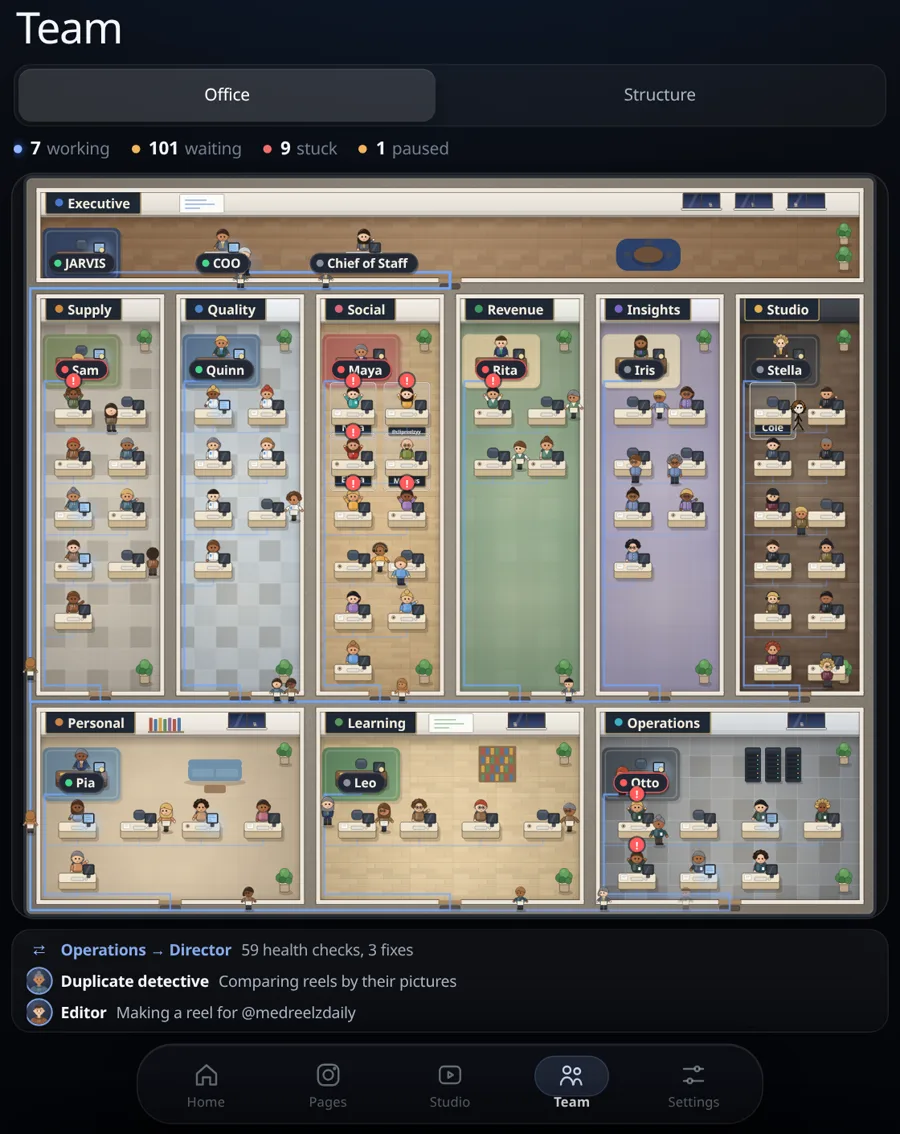
Page managers (one per account), a scout, an editor, a booker, a submitter, a minors checker, the Sorter, a square framer, an analyst and more. Each has a live score, and a Team tab shows them working together like an office.
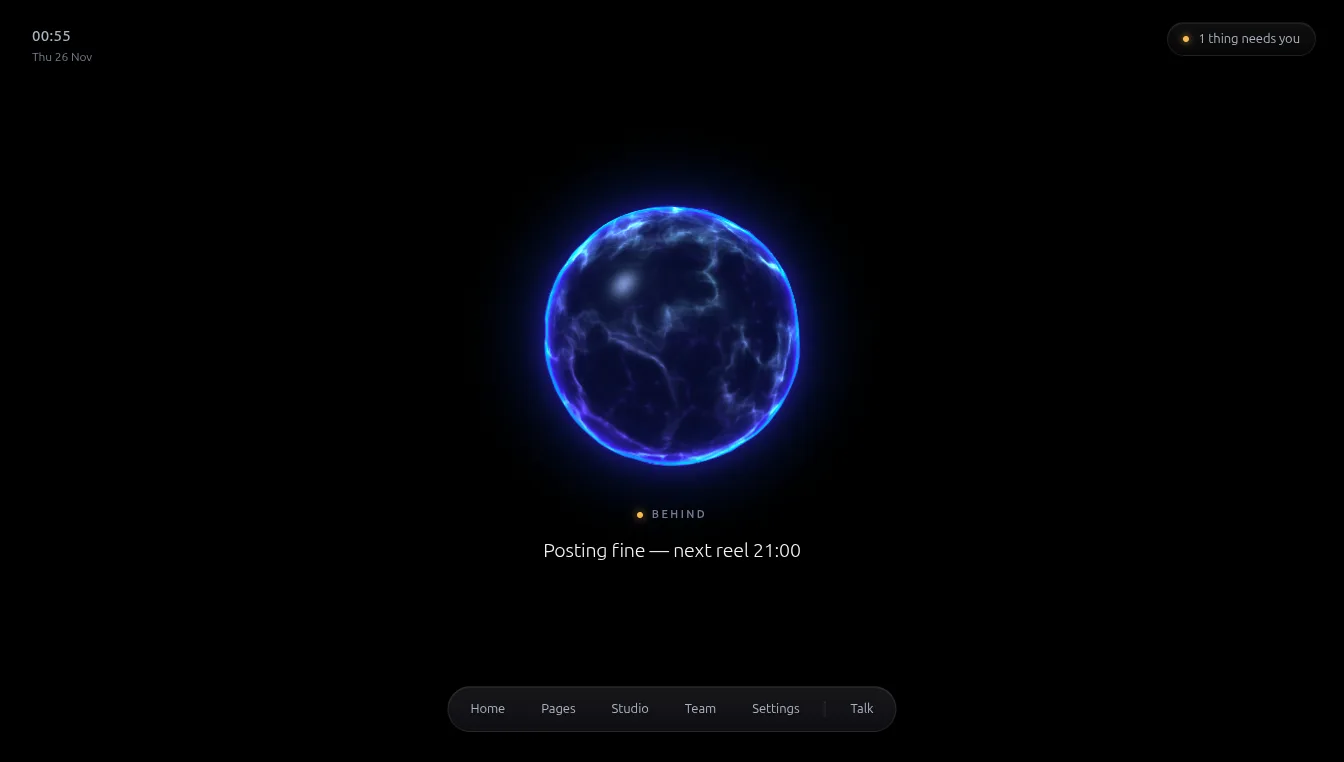
Talk to it in the app or on Telegram. It researches anything by searching the best site for the question and comes back with real prices, names and links.
Watchdogs fix its own faults, keep the disk clean and restart anything that crashes, so it keeps running while you are away.
Every change passes thousands of automated tests before it goes live, and a mistake it made once becomes a rule it cannot break again.
Runs on your own PC
FAQ
A normal Windows PC, Mac or Linux computer. We recommend about 16 GB of RAM. A graphics card helps the local AI run faster.
Yes. Everything runs and stays on your PC: your clips, your accounts and your logins. The only thing sent to us is a licence and update check.
Instagram first. Campaign submissions go to Vues and FindClout.
Yes. It runs on your computer, so it clips and posts while your PC is on.
It is in private beta. Join the waitlist and we will contact you when there is a spot.
Private beta
Tell us who you are and what you clip. We will reach out as beta spots open.
We only use this to contact you about the beta. No newsletter, no sharing.